SMART SWITCH COLLECTION
Smart Switches
LONGYU manufactures Wi-Fi, Zigbee and touch smart switches to order for importers, distributors, system integrators and hotel projects. Housing design, faceplate finish, button layout, logo and packaging are all built to your specification.

VISUAL DETAILS
Inside the range
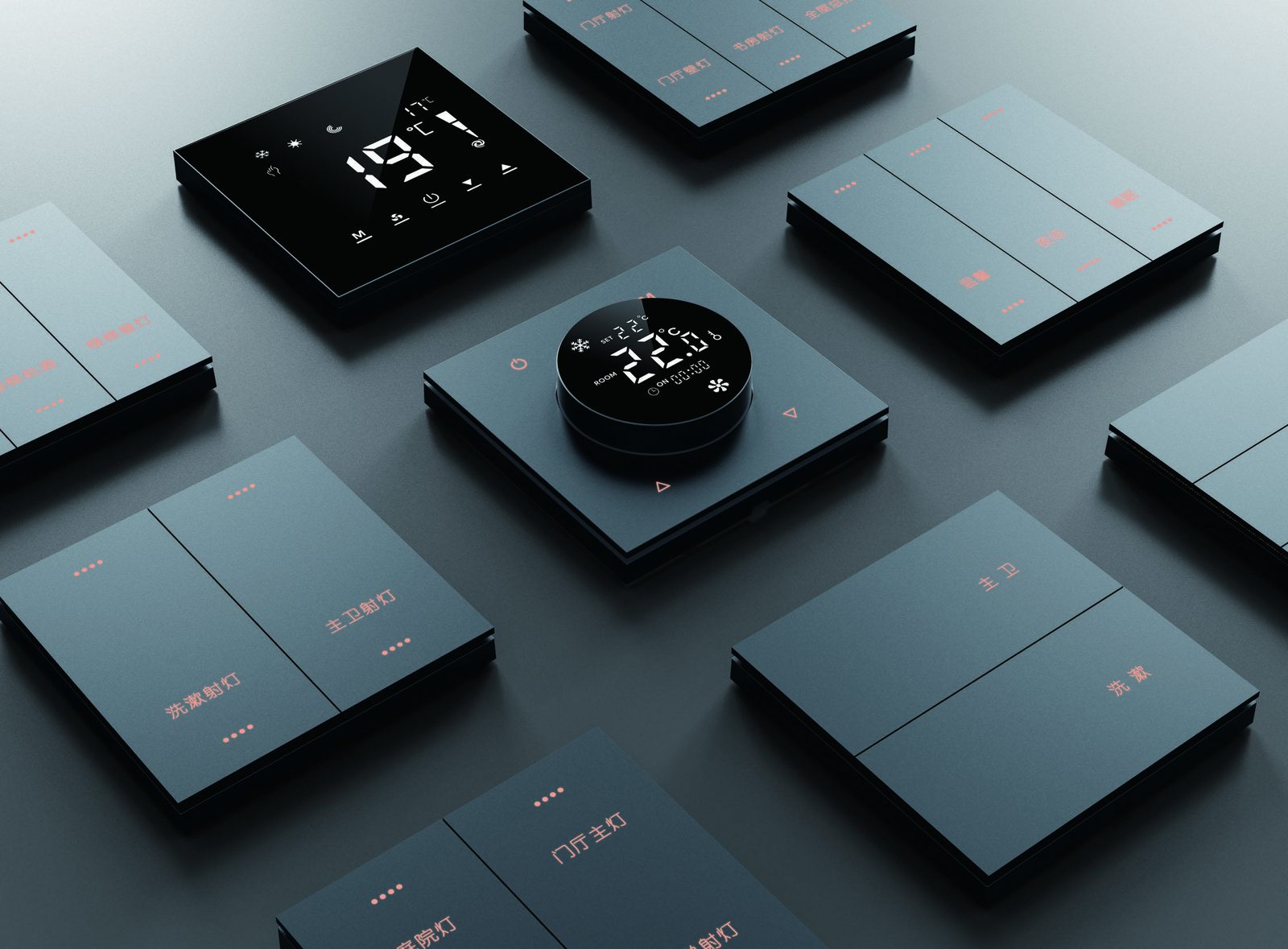
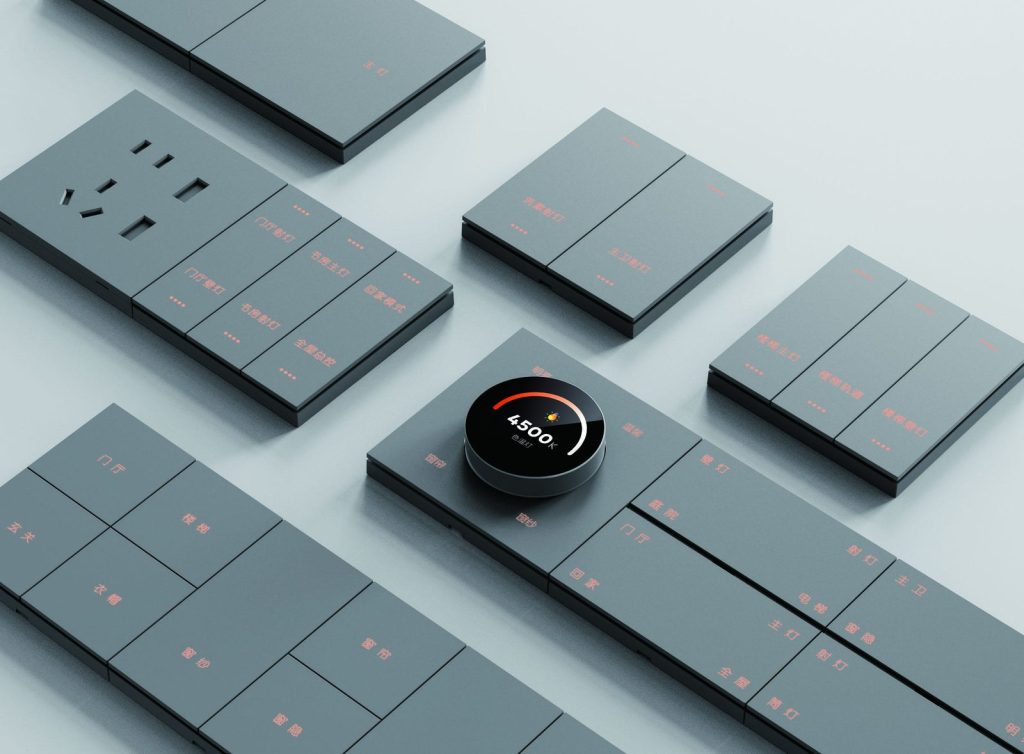
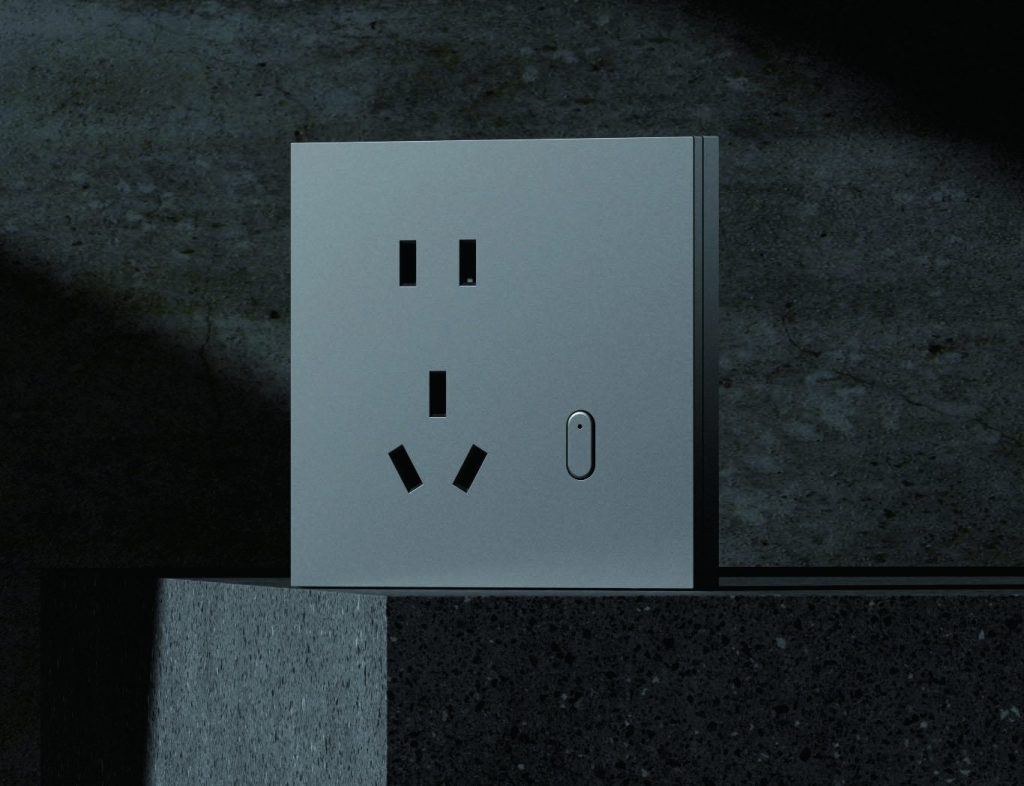
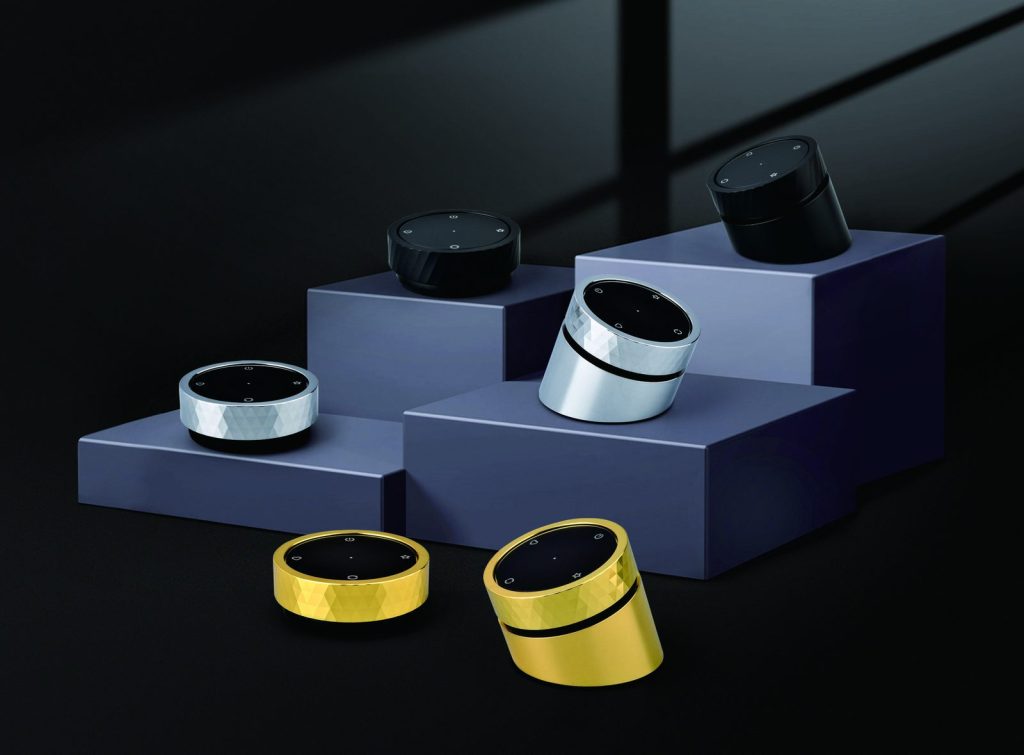
Every range is produced against mains-voltage safety, stable wireless performance and a faceplate finish that matches the interior it is installed in.
Smart switch range
Smart Wall Switch
Glass and plastic faceplate wall switches in EU, UK, US and universal standards, single live or neutral required.
Smart Socket & Plug
Metering and non-metering sockets with overload protection, in wall, in-line and adapter formats.
Zigbee Smart Switch
Low-power mesh switching for hotel rooms, apartments and multi-device installations.
Specifications to confirm before ordering
- Wiring standard: EU, UK, US or universal, single live or neutral required.
- Load: resistive and inductive ratings in watts or amperes per gang.
- Protocol: Wi-Fi 2.4 GHz, Zigbee 3.0 or Bluetooth mesh.
- Connectivity to apps and assistants: your own app, or an existing ecosystem.
- Faceplate material and finish: tempered glass, PC flame-retardant plastic, matt or glossy.
- Gang count, indicator colour and backlight behaviour.
Compliance and testing
Switch ranges are produced against CE, RoHS, UKCA and FCC requirements depending on the destination market. Electrical safety and EMC reports are issued per model, and buyers can request the applicable reports for the exact configuration quoted. The same documented approach is used on every order we ship – see how it works on the quality control page.
OEM and ODM options
OEM – your brand on our product
- Logo printing and laser engraving on the faceplate.
- Retail packaging, instruction manuals and multilingual labelling.
- Private-label app setup and firmware feature changes.
ODM – your product, our development
- Custom housing and button layout from an existing mould or a new tool.
- Gang count, indicator and backlight behaviour built to a brief.
- New product development from a drawing or a competitor sample.
The full process is described on the OEM and ODM services page.
Samples and lead times
Samples are normally shipped within 5 to 7 days so specification, finish and app behaviour can be checked before committing to production. Bulk production lead time depends on configuration, quantity and whether a new mould is required.
Where our switches are installed
Typical end uses include apartments and rental units, hotel guest rooms, offices, retail interiors and residential renovations. Buyers who also furnish these projects usually order from the furniture division at the same time, so switches and furniture hardware can be matched and shipped in one container.
How to choose a switch platform
Start with the building rather than the product catalogue. A Wi-Fi 2.4 GHz switch is usually the simplest choice for a small apartment, rental unit or showroom because each device connects directly to the router. A Zigbee switch is more suitable when a hotel, apartment block or office needs dozens of control points, central scenes and a gateway that can also manage sensors and curtains. Bluetooth mesh can suit short-range local control, but the app, gateway and remote-access requirements must be confirmed before it is selected.
The lowest unit price is not always the lowest project cost. Installation time, commissioning, spare devices, replacement stock and the person who will manage the system after handover all matter. For a distributor, the app and packaging also have to support the way the product will be sold; for a contractor, the priority is usually a repeatable wiring and commissioning process across many rooms.
Match the platform to the building
Prepare a simple room schedule before choosing a model: room type, number of gangs, wiring standard, device count, control points and whether local operation must continue during an internet outage. This schedule lets the quotation cover the correct gateway, faceplate and packing quantities instead of treating each room as a separate purchase.
| Planning item | Why it matters | What to confirm |
|---|---|---|
| Protocol | Sets app, gateway and device-count limits | Wi-Fi, Zigbee or Bluetooth mesh |
| Wiring | Determines whether the switch can be installed | EU, UK, US or universal; neutral required or not |
| Gangs | Controls how many lighting circuits share one plate | 1, 2, 3 or 4 gang layout |
| Load | Protects the relay and the installation | Resistive and inductive rating per gang |
| Faceplate | Must match the interior and cleaning routine | Glass or PC, colour and finish sample |
| Control | Affects daily use by guests or residents | Touch, mechanical button, indicator and backlight |
| Integration | Decides who can support the system later | App, assistant and gateway compatibility |
| Packing | Supports retail sale or project installation | Logo, manual, labels and carton marks |
Wiring, gangs and load planning
Neutral-required and no-neutral versions solve different installation problems. The neutral-required version is normally easier to specify when new wiring is being installed; a no-neutral version may be needed in an older wall box, but the load and local wiring practice still have to be checked. The back-box size, screw spacing and depth must also match the market, because a faceplate that looks correct can still be impossible to fit into a shallow box.
Load planning should include more than the wattage of a lamp. Motors, transformers, pumps, heated equipment and other inductive loads can draw a high inrush current, so the buyer should list the actual equipment connected to each gang. If several circuits share one plate, identify the highest load and whether dimming, two-way control or a separate contactor will be used. The final rating is then written into the quotation rather than assumed from a catalogue image.
Plan the wiring before finishes
- Confirm whether each wall box has a neutral wire and record the box dimensions.
- Allocate every gang to a lighting circuit before ordering faceplates.
- List high-inrush and high-load equipment separately from lamps and small appliances.
- Keep spare switches and faceplates in the project stock for later maintenance.
For projects comparing both wireless options, the article on Zigbee versus Wi-Fi smart switches explains how device count, gateway planning and router load differ. The same room schedule can then be sent for a switch and socket quotation together.
Build a mixed switch schedule
One building rarely needs only one product. Guest rooms may use neutral-required wall switches, public areas may need scene panels, and kitchens or workspaces may need metering sockets. A mixed schedule can keep the faceplate colour, indicator behaviour and logo consistent across all of them, while each product is tested and packed for its own installation method.
Send the room schedule, wiring standard, product mix, target market and estimated annual quantity. The reply should identify the recommended platform, sample set, packaging artwork and the points that need to be confirmed before a production order is released. Buyers who need a new housing or button layout can review the OEM and ODM service at the same time; buyers who need documented inspection can follow the process on the quality control page.
WORKING TOGETHER
A clear route from brief to shipment.
Specification, samples, production and packing stay on one documented path, so the approved finish is the finish that ships.
Start a project briefShare the brief
Product type, market, finish and quantity.
Approve the sample
Materials, interface and app behaviour.
Lock production
Specification, packaging and inspection plan.
Ship with clarity
Carton marks, loading plan and handover.
YOUR NEXT STEP
Let’s build it to your specification.
Send your product requirements, target market and estimated quantity. We will reply with the next steps for samples, quotation and production.